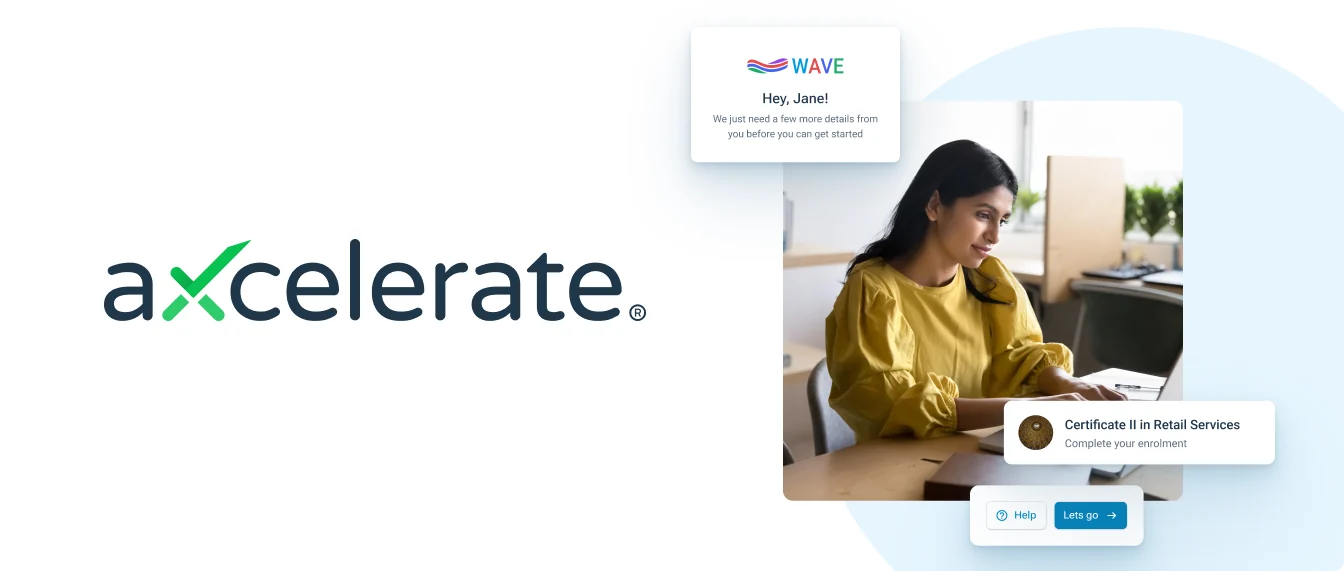
Zero-touch enrolments: why the Client Portal and Learner Onboarding work better together
Learning Management System
Student Management System
Productivity
Zero-touch enrolments let your corporate clients book their staff into training, and each learner complete their own enrolment details, without your team keying anything in. In aXcelerate, that flow runs on two optional features that work alongside your student management system: the Client Portal, where clients enrol and track their people, and Learner Onboarding, where learners provide their personal and compliance details before training starts.
Many RTOs already use one of the two. This article explains what each one does, what changes when you connect them, and how to get started.
How do zero-touch enrolments work?
A zero-touch enrolment follows one learner from booking to certificate in four steps:
Your client enrols. A client user logs in to the Client Portal, browses your courses and enrols their staff into a session.
The learner completes their details. Each learner receives an invitation and fills in their personal and compliance information via Learner Onboarding, using a form you’ve built for that course.
Training opens. Course access opens once the required details are complete.
Your client tracks progress. The client follows attendance and progress in the Client Portal and downloads certificates once they’re issued.
Your team stays in the loop throughout. You can choose whether Client Portal bookings come through as tentative enrolments, so you review and confirm each one before it’s final, or let bookings confirm straight away
What do the Client Portal and Learner Onboarding each do?
The Client Portal handles the corporate client side. Clients enrol learners into your private and public courses in a few clicks, add a purchase order number that flows through to the invoice, and track attendance, unit of competency progress and assessment completion. They can bulk download certificates themselves, in a portal that carries their logo alongside yours.
Learner Onboarding handles the learner side. Learners complete an onboarding form you’ve customised for the course, which can include prerequisite evidence uploads (like a driver's licence), and signing digitally. You capture the essentials upfront, and their answers flow straight into your aXcelerate Student Management System (SMS), ready for reporting.
On its own, each feature removes a chunk of admin, but someone on your team still bridges the gap. With only the Client Portal, learner details still need collecting. With only Learner Onboarding, corporate client bookings still arrive by email or phone. Using both closes that gap.
What changes when you use both products together?
How does it help your team?
Fewer manual steps. The client enters the booking, and the learner enters their details, so your team reviews rather than re-keys.
Clear onboarding status. Each learner shows as not started, in progress or complete, so you can see who needs a nudge before the course starts. The status filter in the Class Enrolments report makes follow-up quick.
Records filed for you. When a learner completes their form, a PDF of their answers is saved to their portfolio.
Automatic first contact. You can set a template email to go out as soon as an enrolment lands.
“Learner Onboarding has significantly streamlined our processes by efficiently capturing all AVETMISS requirements upon entry into the Learner Portal. This feature has minimised manual data entry for our RTO to virtually zero.” - Accredited First Aid Courses
How does it help your corporate client?
Book on their schedule. Clients enrol staff whenever suits them, without waiting on a reply from your team.
Visibility scoped to them. Each client sees only their own organisation’s enrolments, even in public courses.
“Our clients are happy to be able to access certificates and check their employees’ progress, and to self-serve 24/7 without having to rely on the Client Services team.” - Harness Energy
How does it help your learners?
One form, at the right time. Learners complete their details once, with essentials upfront and the rest after enrolment.
No starting from scratch. Returning learners see their previous details prefilled and only update what’s changed.
Your next step, wherever you’re starting from
Using the Client Portal already? Learner Onboarding picks up where the booking leaves off, so learners provide their own details, and your team doesn’t need to chase them.
Using Learner Onboarding already? The Client Portal lets employers book their own staff, so bookings no longer need to come through your team by email or phone.
Using neither? Start with a walkthrough on your own account. Book a call with our Account Management team.
Not using aXcelerate? Book a demo and get started.
The Client Portal and Learner Onboarding are optional. You can start with whichever solves your biggest bottleneck, then add the other when it suits. Our Account Management team can walk you through where each one would make the biggest difference for your RTO, from fewer booking emails to learners who arrive with their details already captured.”
How do you set up zero-touch enrolments?
Build your onboarding form. Start from a preset or from scratch, and set the details learners complete before training starts.
Test the Client Portal yourself. Set up a test client and walk through what they’ll see.
Roll out with one client. Try the full flow with a small group of learners and gather feedback.
Extend to more clients and courses. Once the flow works, bring in the rest.
A zero-touch enrolment is one where the employer books their staff and each learner completes their own enrolment details, so your team doesn’t key in booking or learner data. In aXcelerate, it runs on the Client Portal and Learner Onboarding working together.
Do I need both products?
No. Each works on its own alongside your aXcelerate Student Management System (SMS) and Learning Management System (LMS). The Client Portal lets clients book and track their staff, and Learner Onboarding lets learners complete their own details. Using both removes the hand-off between those two steps.
Does Learner Onboarding collect AVETMISS data?
Yes. Learner Onboarding lets you build forms that capture the AVETMISS details your RTO reports. Learners complete the form before training starts, and their answers flow straight into aXcelerate, ready for reporting.
What happens when a learner enrols again?
Their previous details are pre-filled, so they only update what’s changed.
Share this article
Quick-fix guides for training organisations
The latest industry news, interviews, technologies, and resources.
How evidence matrices can help with currency and compliance
Well-maintained industry currency allows trainers to continuously improve and update their knowledge and skills. RTOs need an intuitive tool that can easily show how they’ve maintained the currency of their trainers’ industry skills and trainer/assessor competencies.
Student Management System
Assessment & Compliance
9 Jan
2020
What is a Student Management System (SMS)?
What is a Student Management System (SMS)? And what are the benefits of having one?
Student Management System
17 Aug
2021
Looking back: the impact of COVID-19 on industry innovation, skills and the need for training
Industry
VET and competency management insights, straight to your inbox
Your go-to source for industry updates and informative thought leadership.